Start the macOS launcher
启动浮光启动器
The native launcher runs the monitor service, keeps a menu bar entry, and opens the local dashboard.
原生启动器负责运行监控服务,提供菜单栏入口,并打开本地控制面板。
 Flux Monitor
浮光面板
Flux Monitor
浮光面板
Flux pairs a native macOS server launcher with a web dashboard and Flux Remote. Watch system health, manage ports, inspect logs, control Docker and Nginx, and keep the machine reachable.
浮光由 macOS 浮光启动器、Web 控制面板和浮光远控组成。你可以查看系统状态、管理端口、分析日志、控制 Docker 与 Nginx,并让 Mac 保持可访问。



Run the server side on your Mac. Use Flux Remote when you need status and operations away from the desk.
浮光启动器运行在 Mac 上,负责启动和管理服务;使用浮光远控,随时随地进行远程查看和操作。
The native launcher runs the monitor service, keeps a menu bar entry, and opens the local dashboard.
原生启动器负责运行监控服务,提供菜单栏入口,并打开本地控制面板。
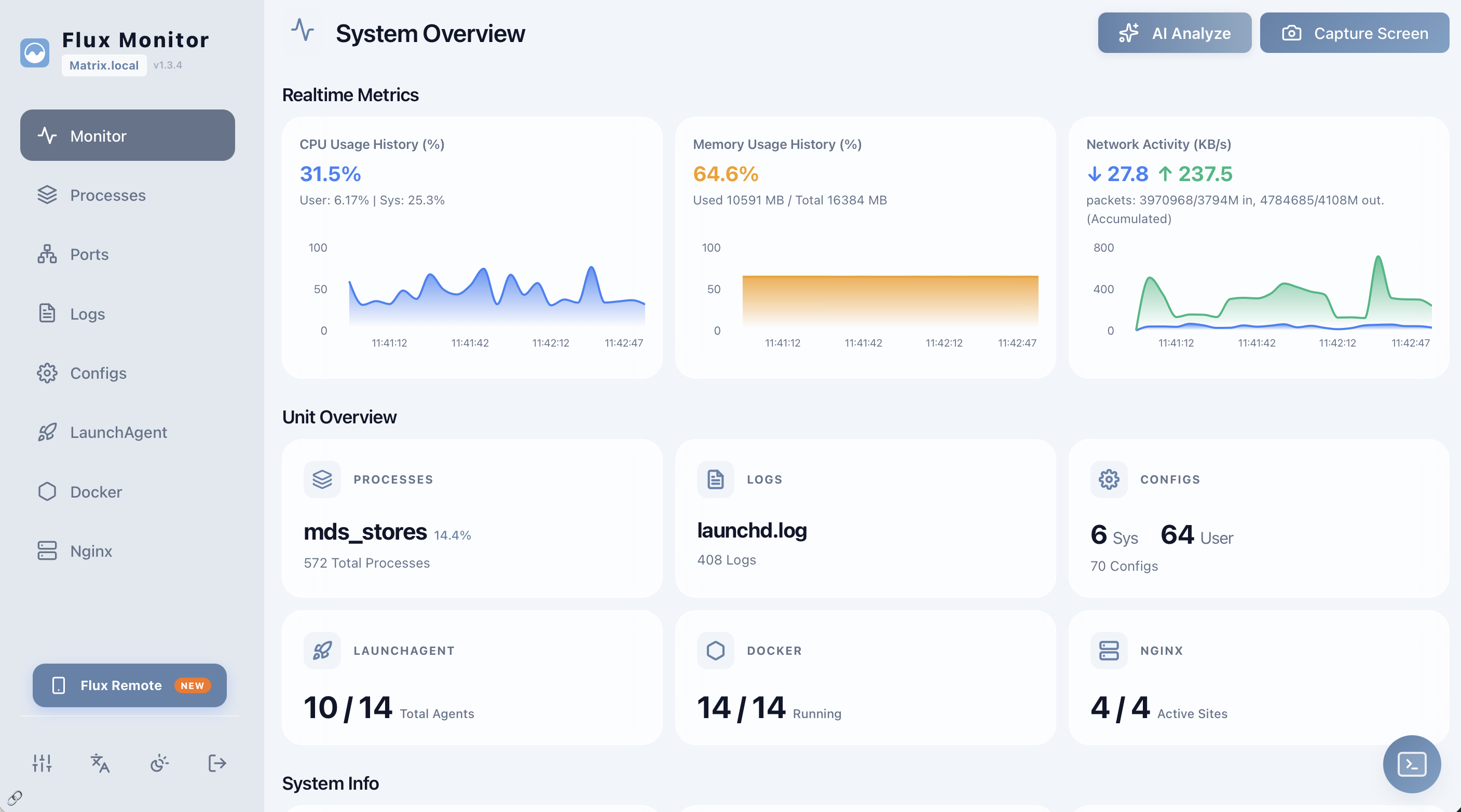
Inspect CPU, memory, processes, ports, logs, configs, LaunchAgents, Docker, and Nginx in one place.
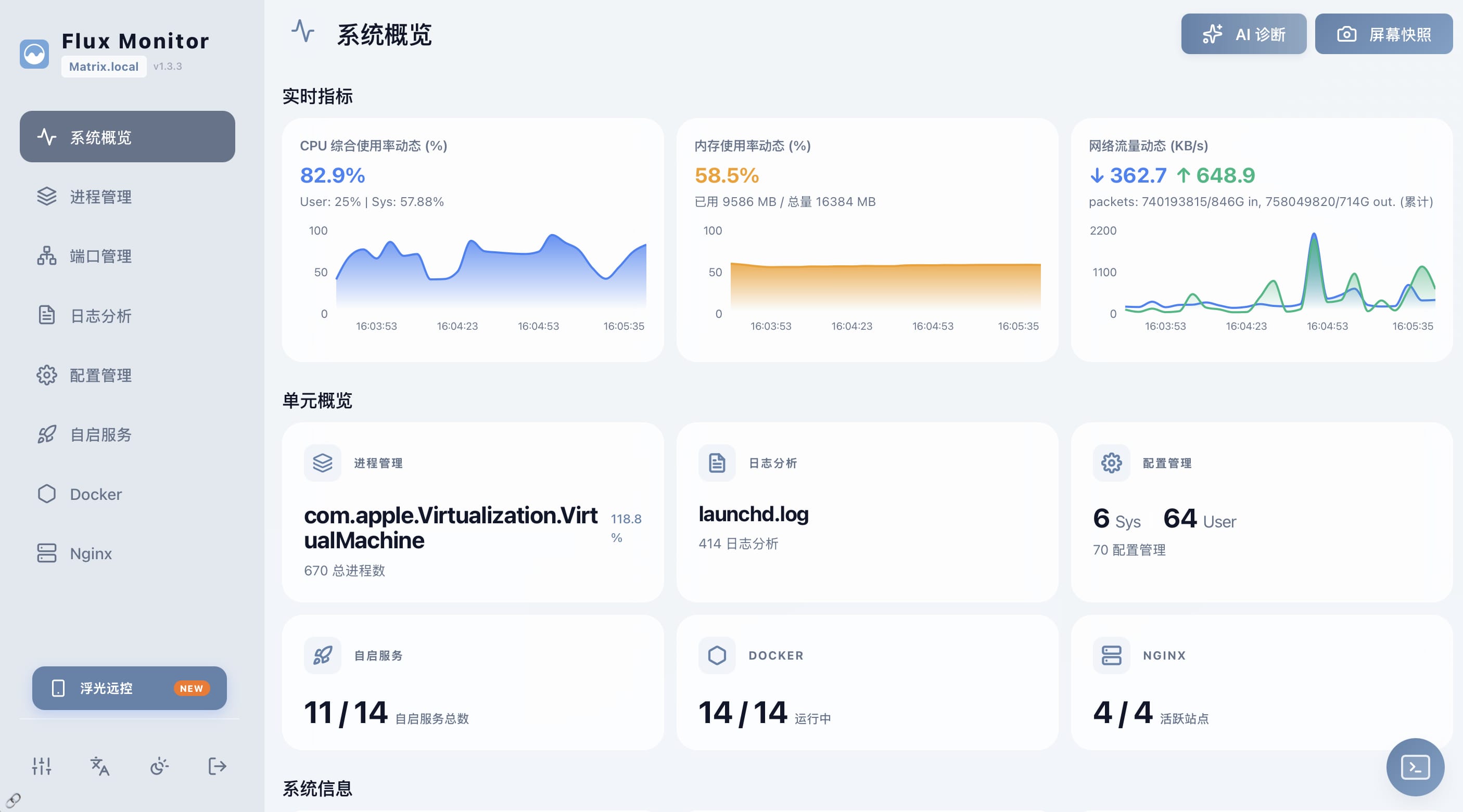
在一个界面里查看 CPU、内存、进程、端口、日志、配置、LaunchAgent、Docker 和 Nginx。
Flux Remote connects to your server so you can check status and handle common operations on the go.
浮光远控连接浮光启动器,让你随时随地查看状态并处理常用操作。
Flux focuses on operational tasks you actually need when a Mac is used as a home lab, small server, or edge machine.
浮光聚焦 Mac 作为家用服务器、小型服务主机或边缘设备时真正需要的操作。
CPU, memory, disk, network, and terminal execution from the dashboard.
查看 CPU、内存、磁盘、网络,并可在面板中执行终端命令。
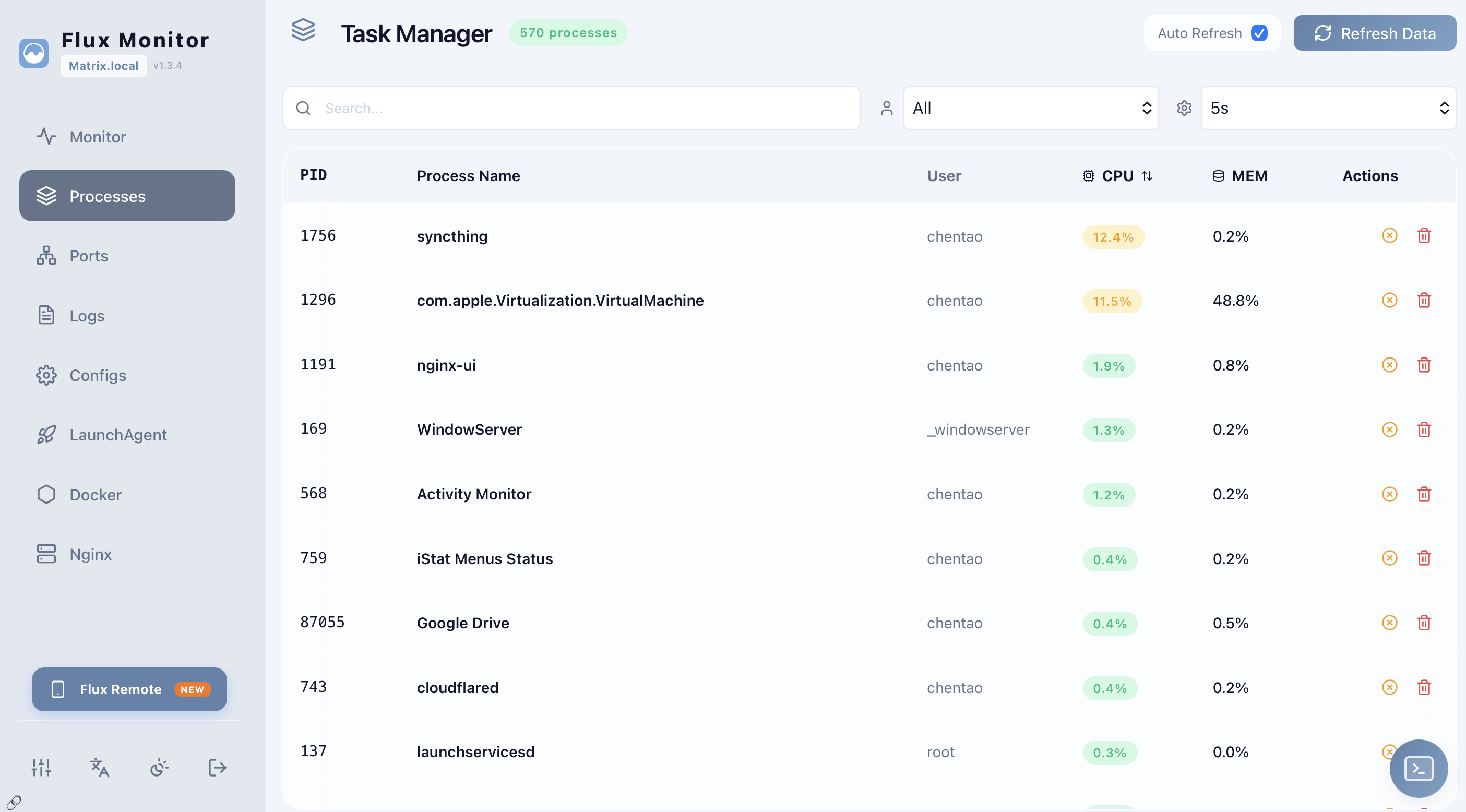
Find high-usage processes and inspect runtime behavior quickly.
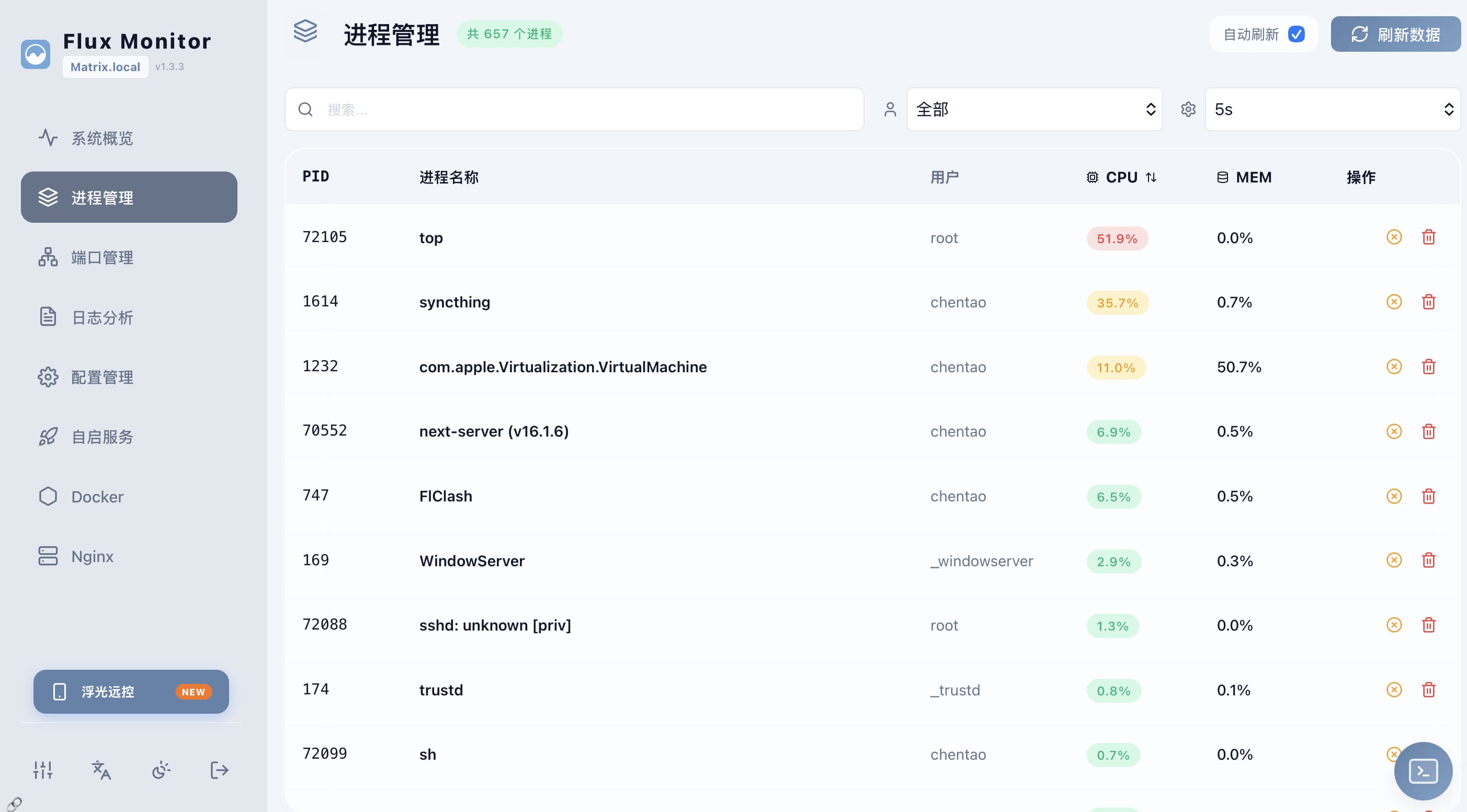
快速定位高占用进程,并查看运行状态。
Trace listening ports to owning processes and release occupied ports.
查看监听端口、定位占用进程,并释放被占用端口。
Browse service logs and use optional AI assistance for explanations.
查看服务日志,并可使用可选 AI 功能辅助解释问题。
Edit configuration files with history and AI-assisted review.
编辑配置文件,保留历史,并可进行 AI 辅助审查。
Manage LaunchAgents and LaunchDaemons without leaving the dashboard.
在面板中管理 LaunchAgents 和 LaunchDaemons。
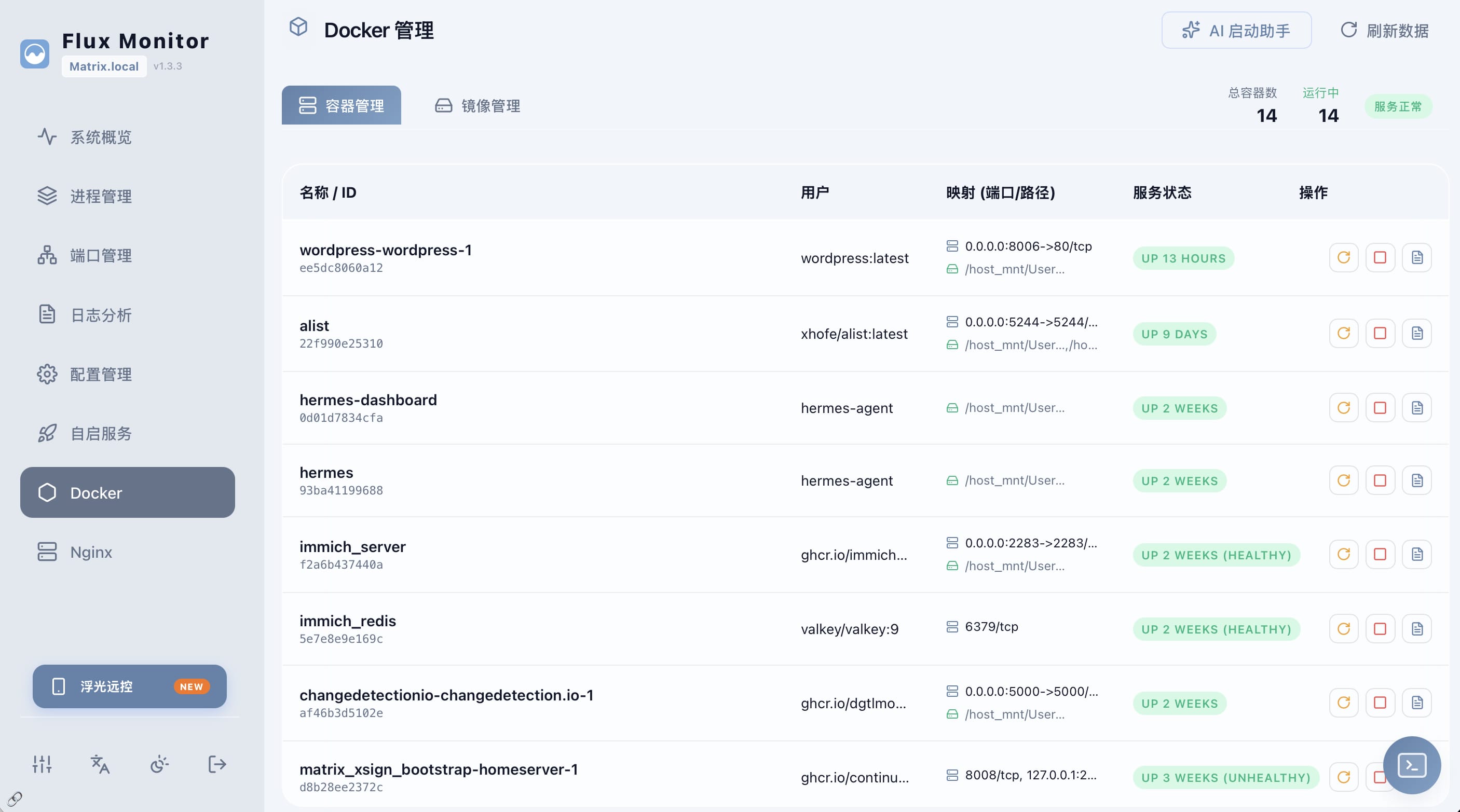
Control containers and images, then inspect resource use and logs.
管理容器与镜像,并查看资源占用和日志。
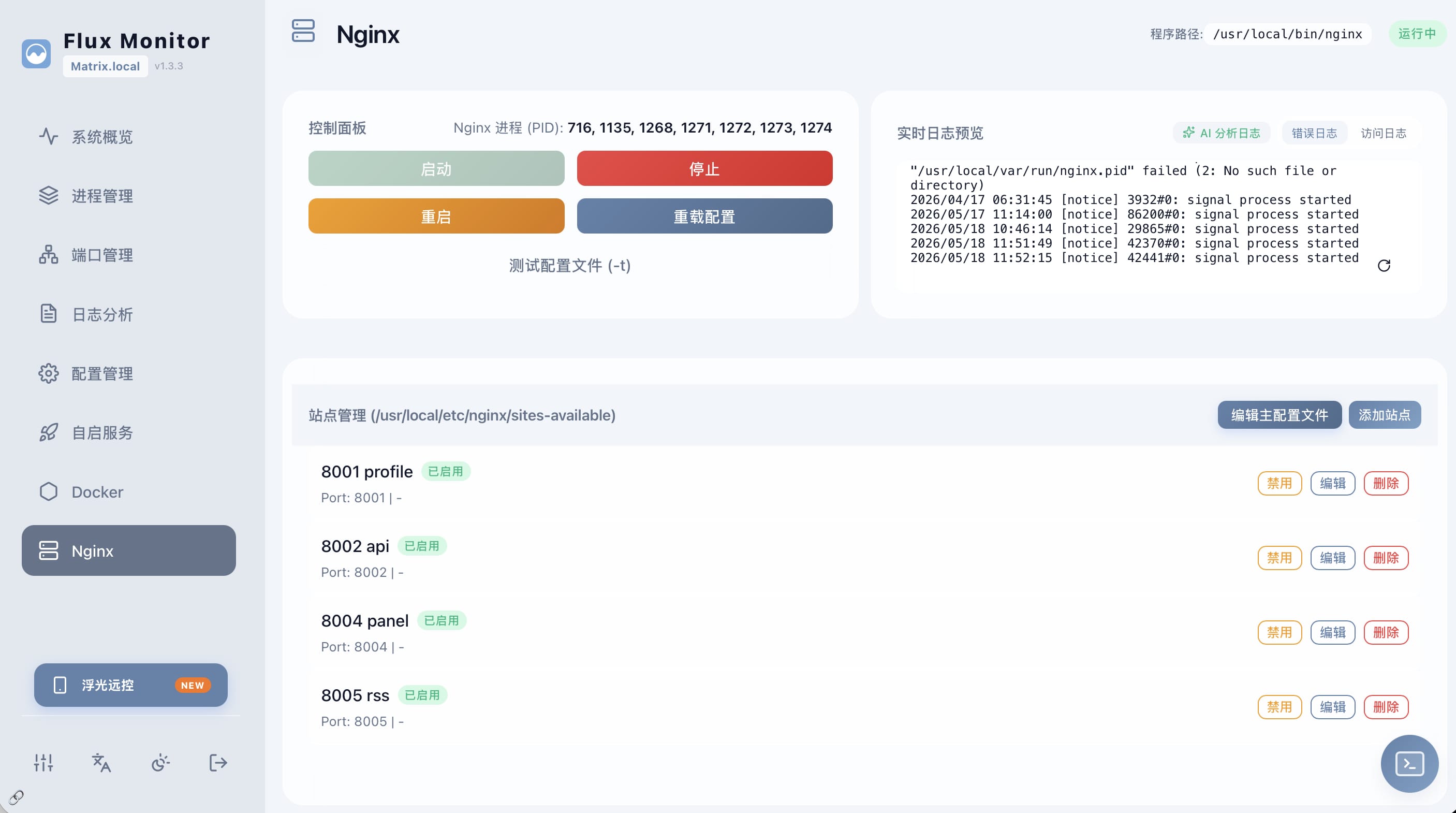
Manage site configs and operational state for local web services.
管理站点配置和本地 Web 服务运行状态。
The interface keeps monitoring, configuration, and action flows close together, so checking the machine and fixing common issues stay in the same context.
界面把监控、配置和操作放在同一个工作流中,查看机器状态和处理常见问题不需要频繁切换工具。
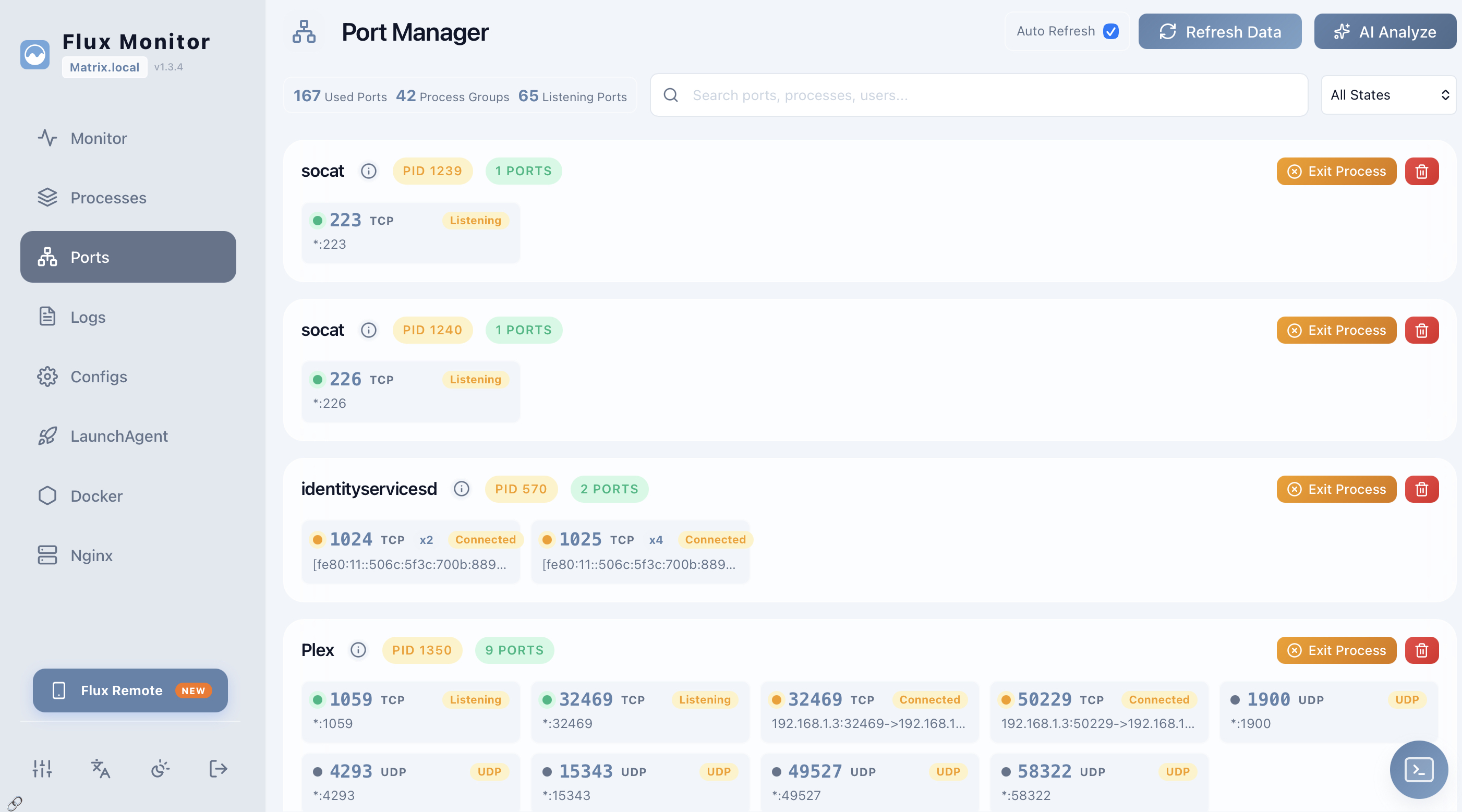
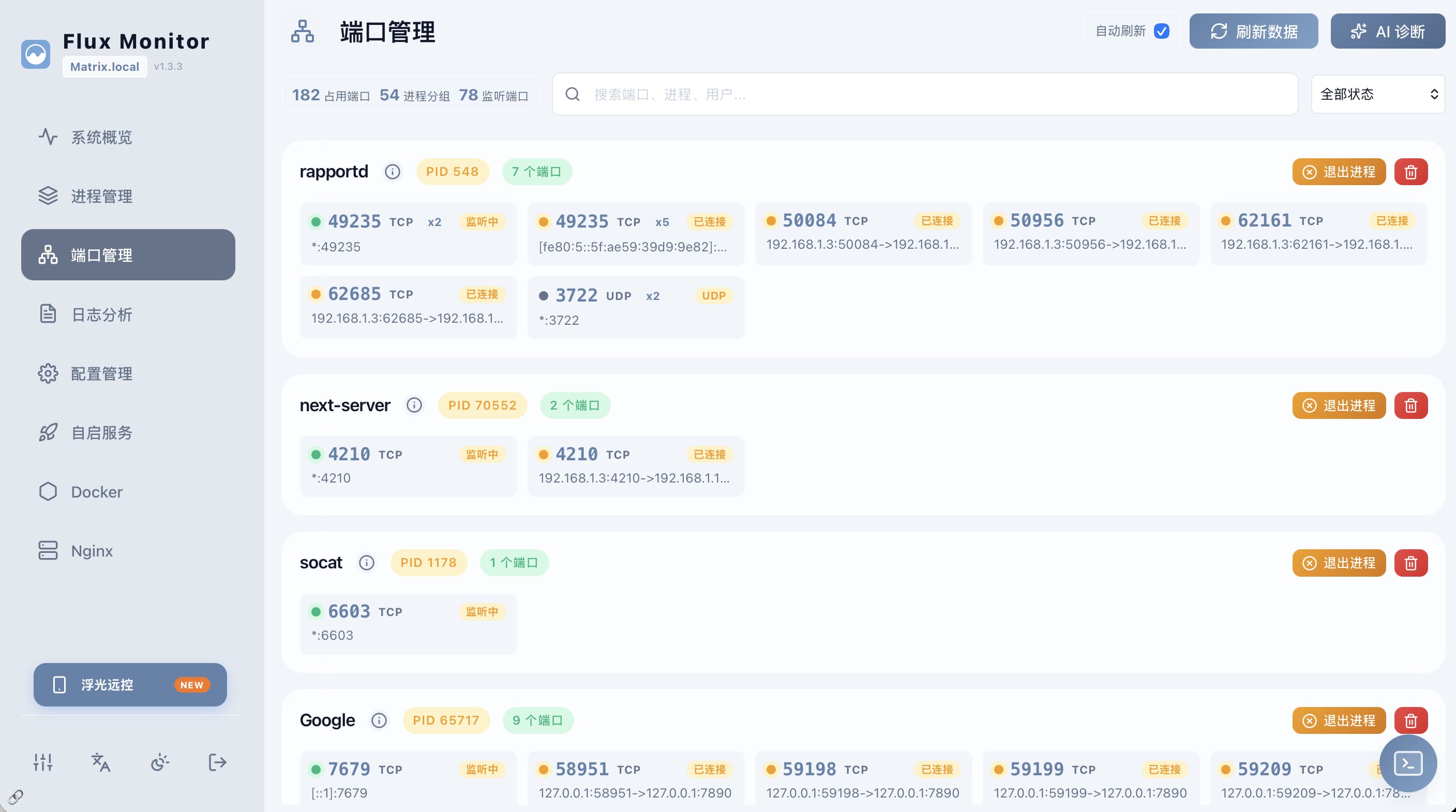
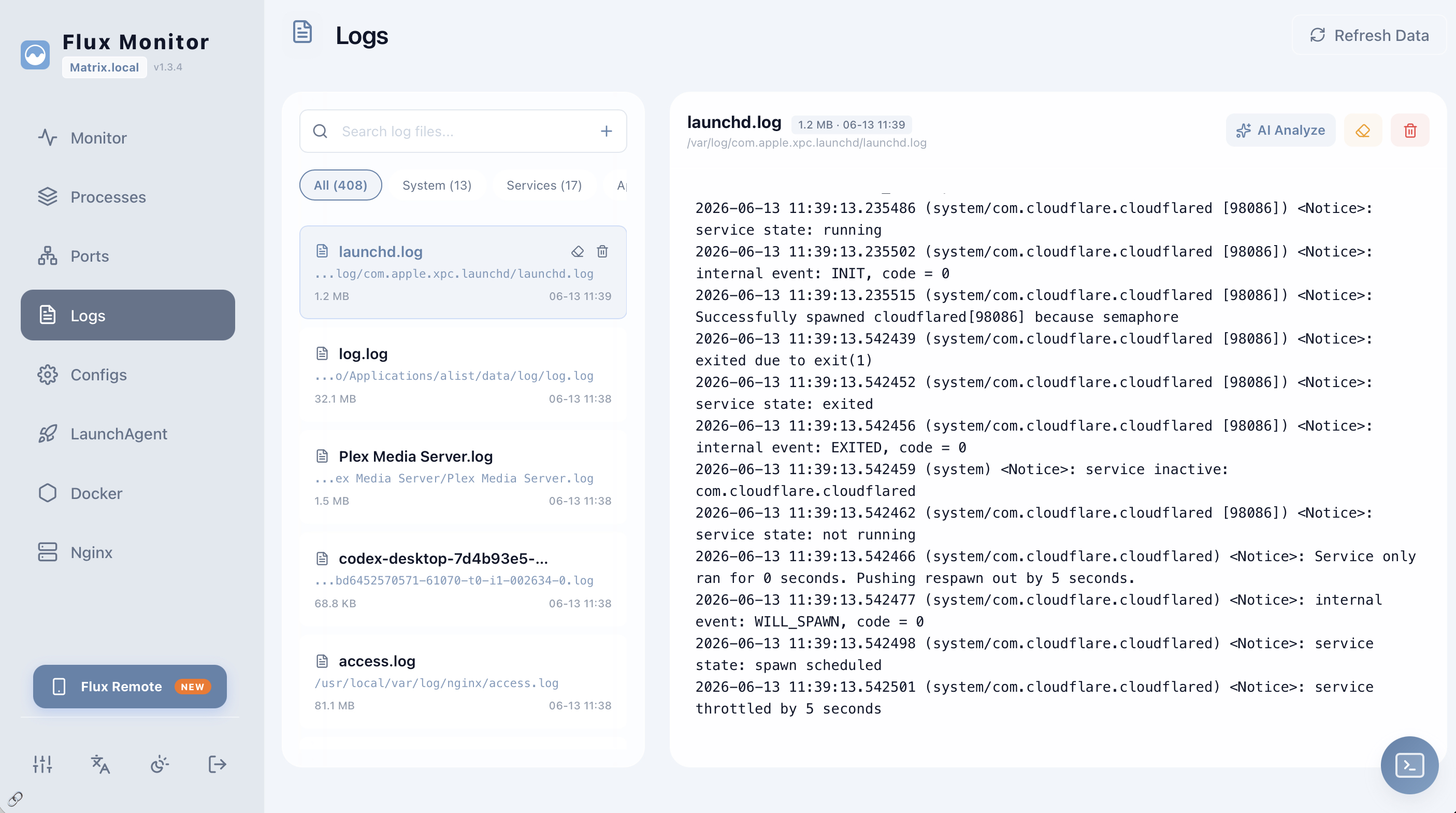
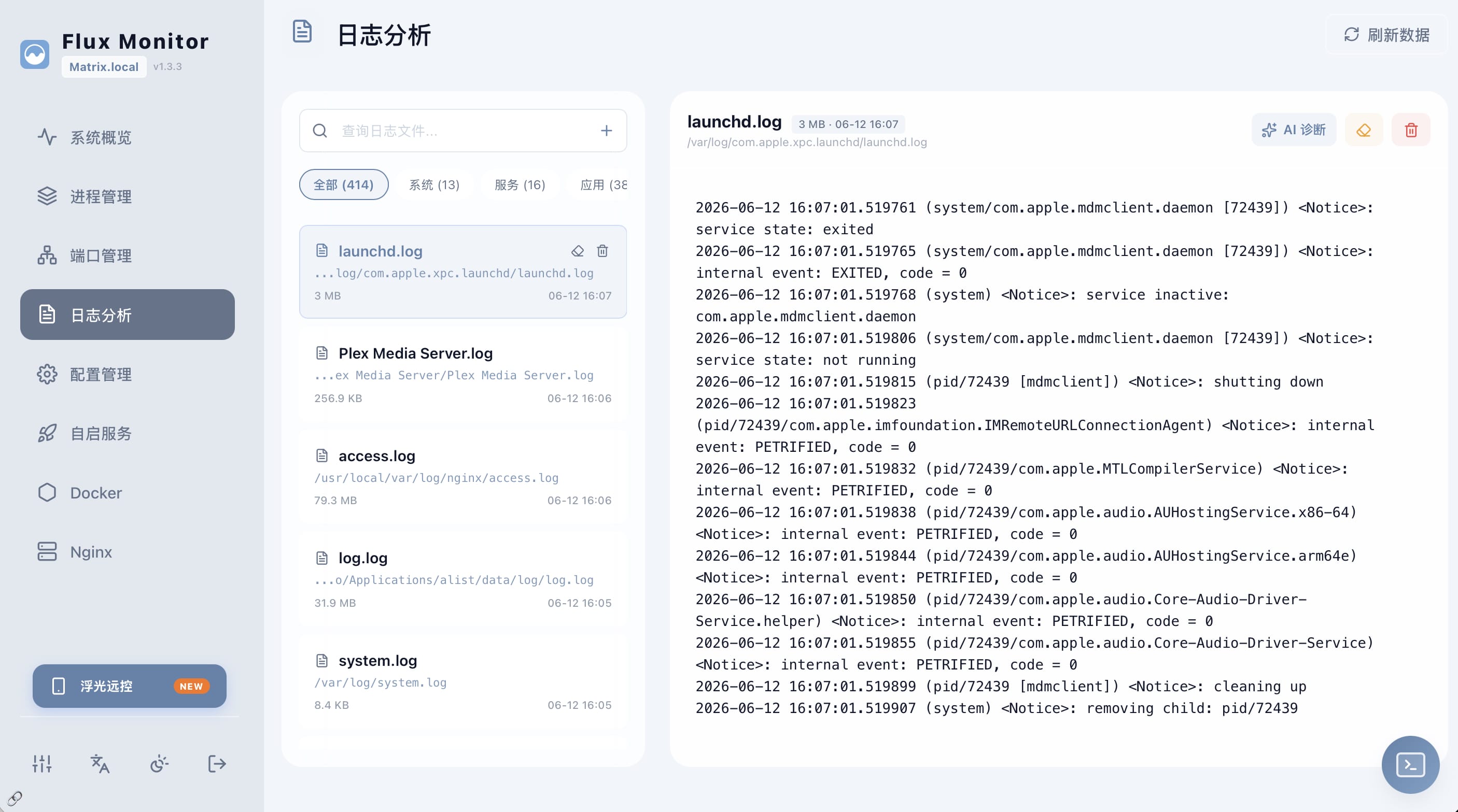
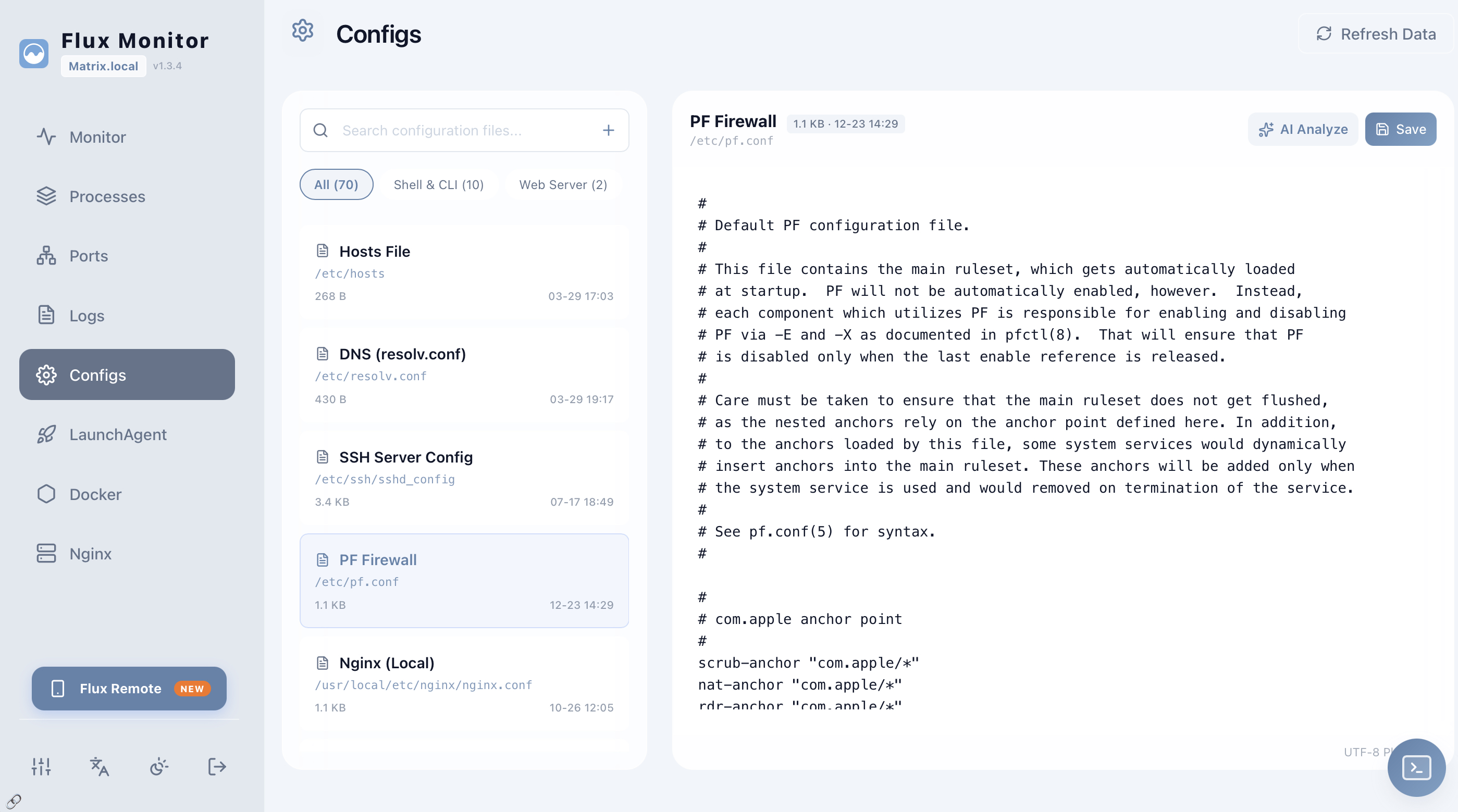
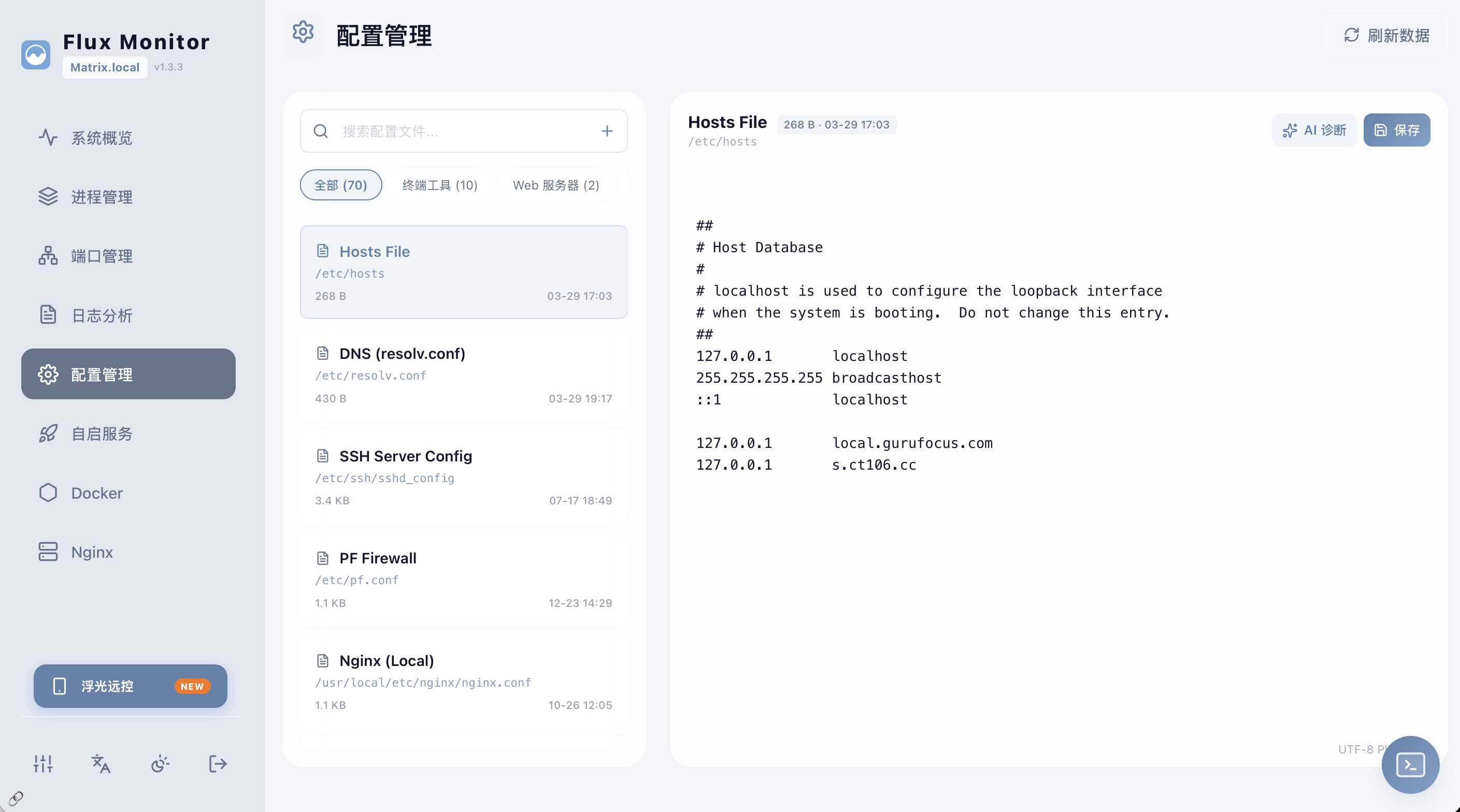
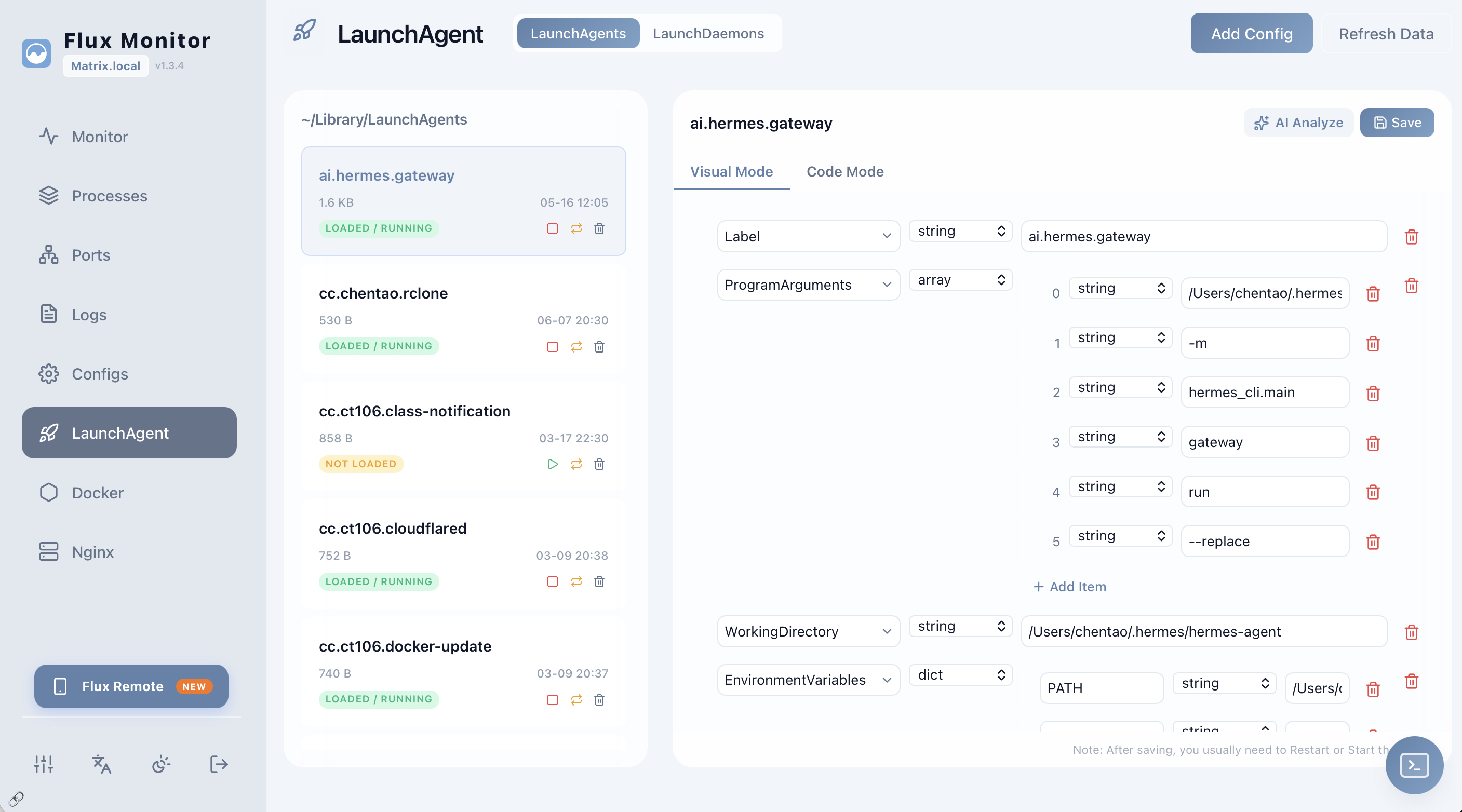
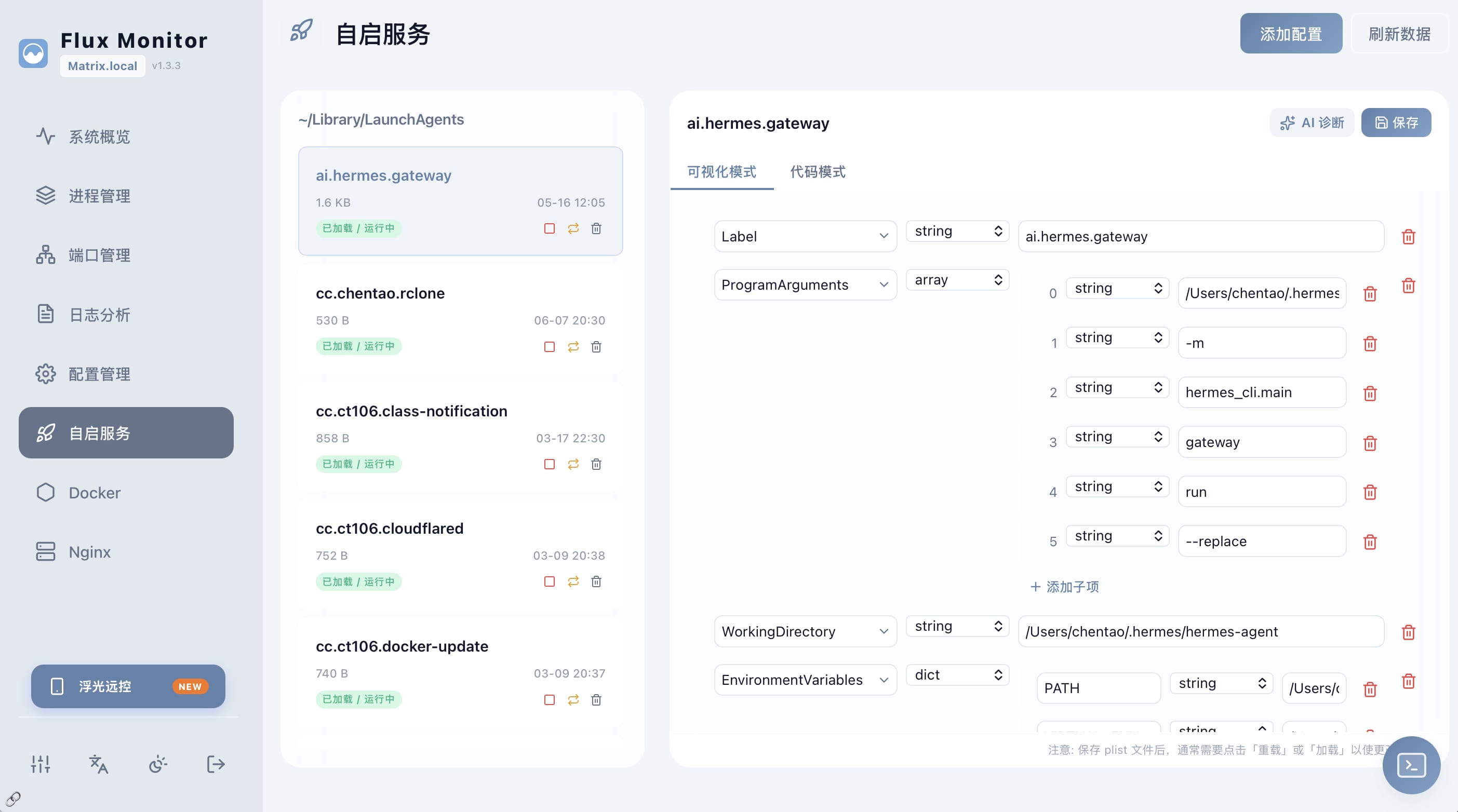
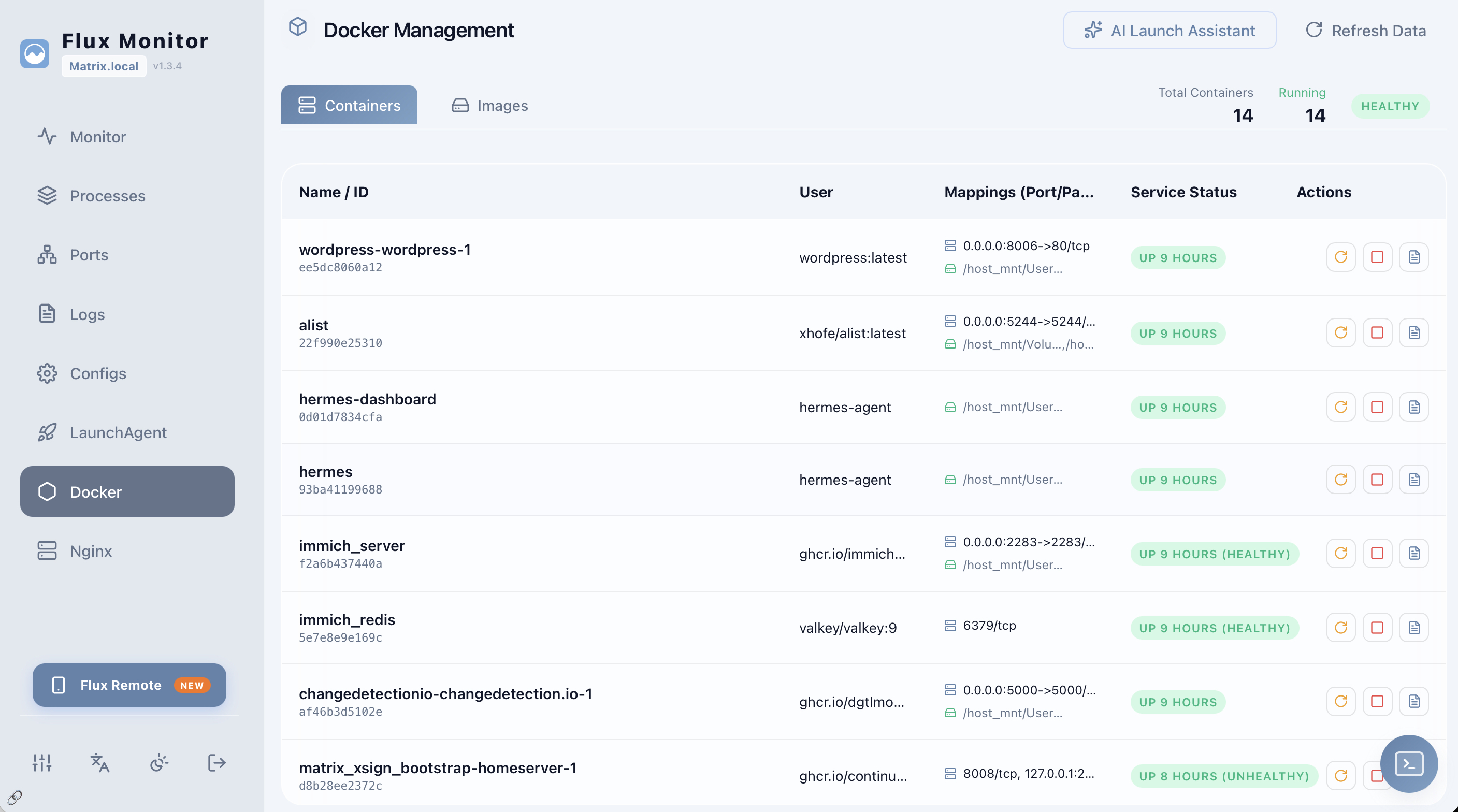
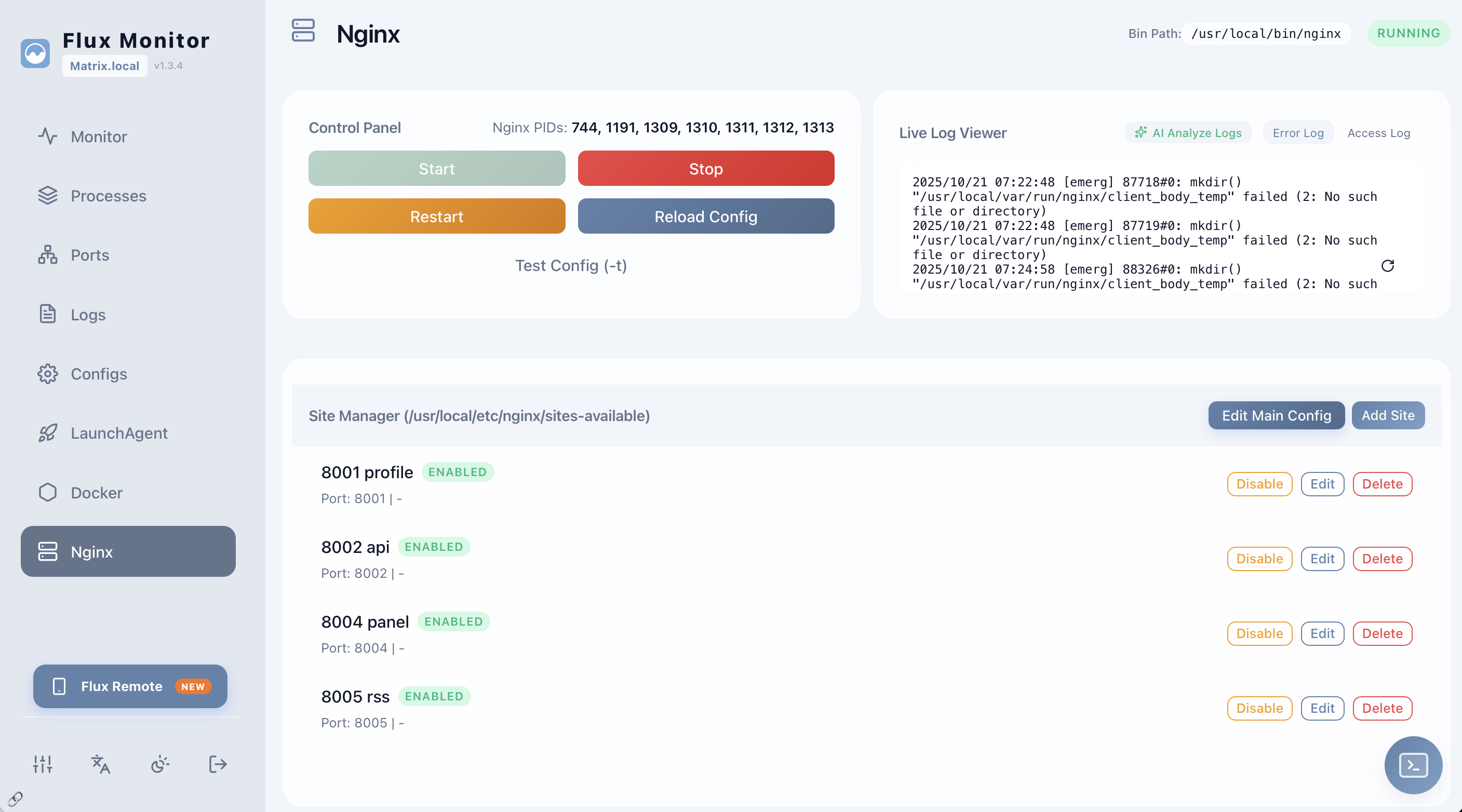
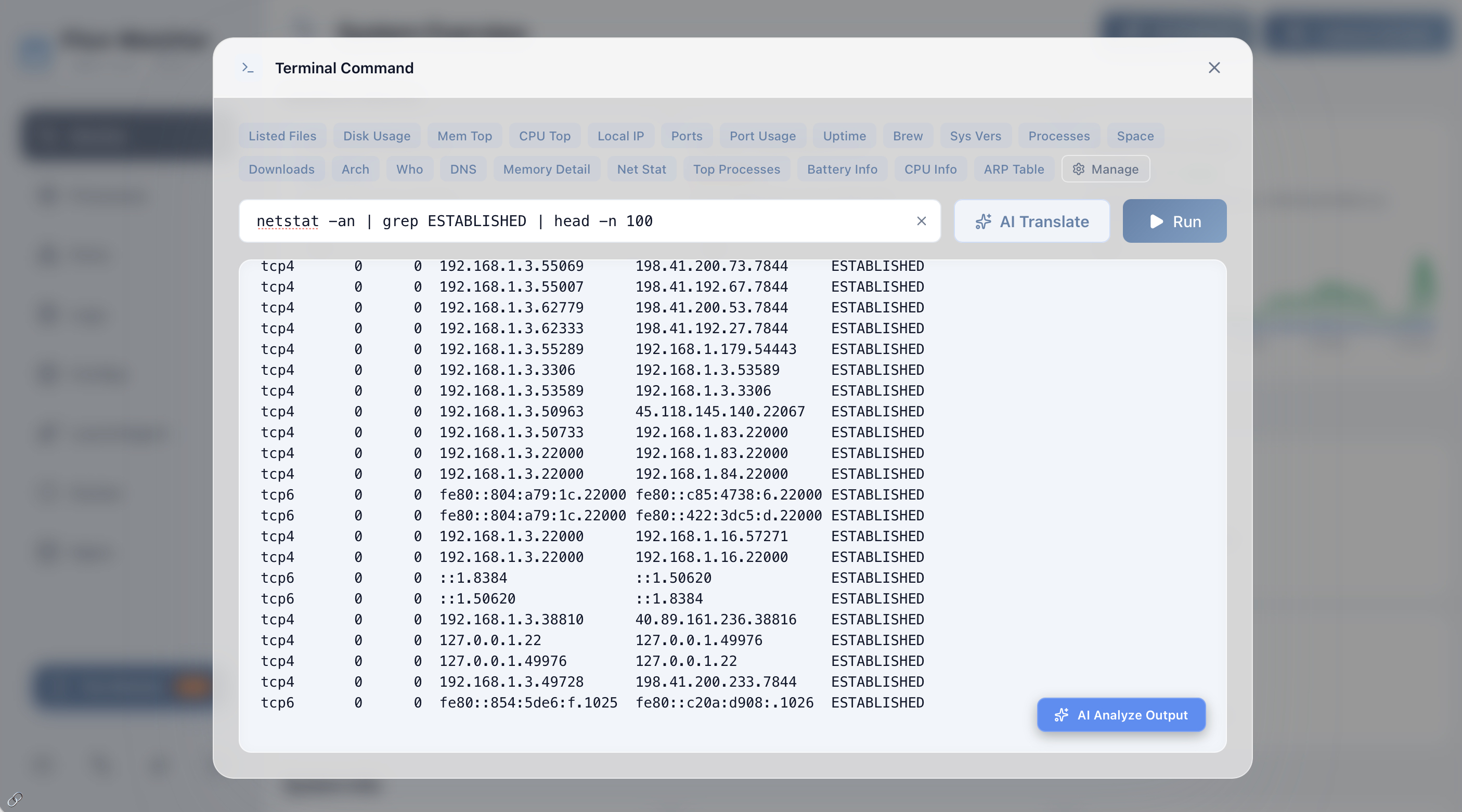
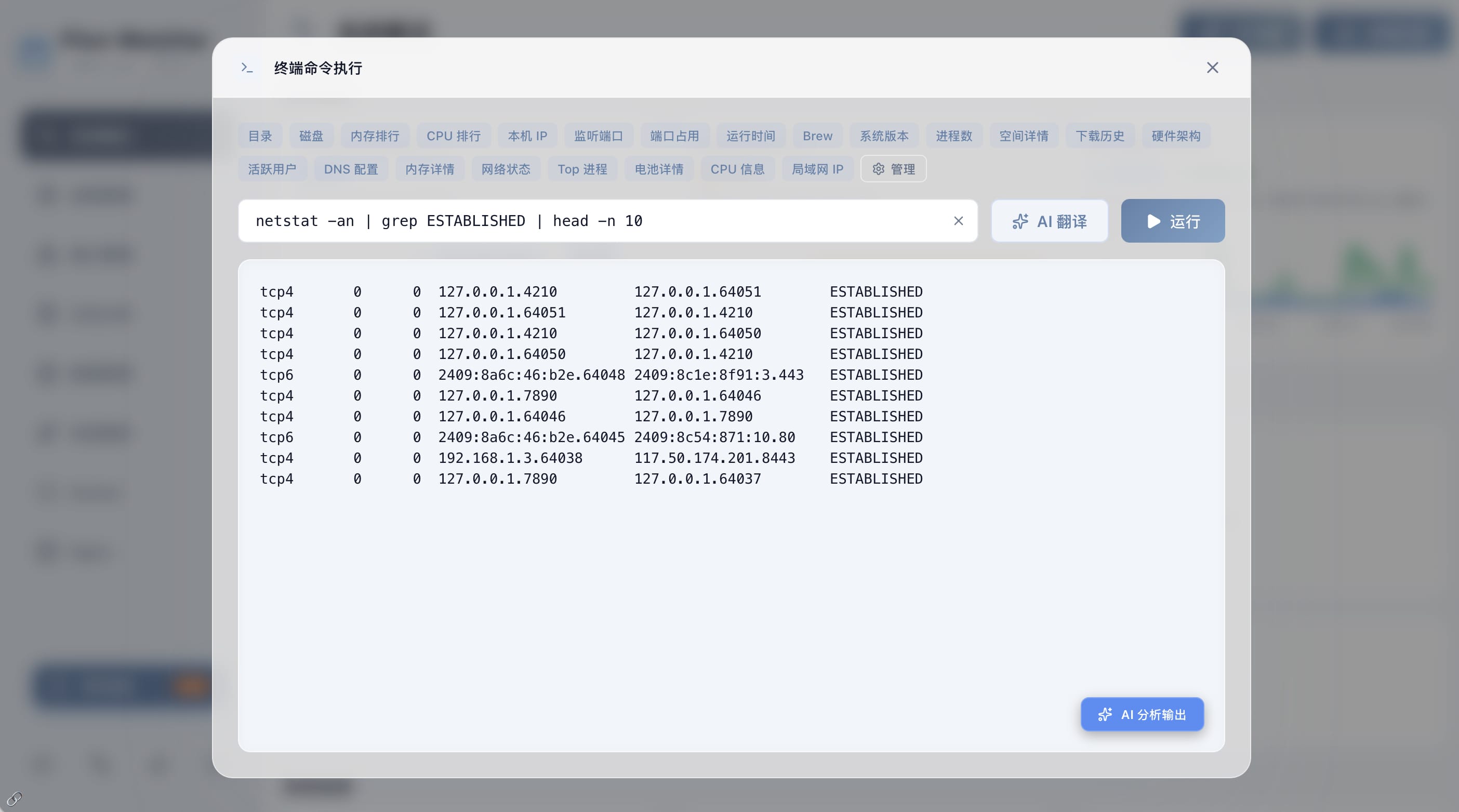
Install the Server side on the Mac you want to manage. Use Flux Remote to access it on the go.
要被管理的 Mac 安装浮光启动器;使用浮光远控进行远程操作。
Runs on the Mac server. Starts the local monitor service, keeps the dashboard available, and exposes management modules for the machine.
运行在 Mac 服务器上。负责启动本地监控服务、保持控制面板可用,并提供这台机器的管理模块。
Connects to the macOS server side so you can monitor state and perform operations away from the Mac.
连接浮光启动器后,可以离开电脑查看状态并执行常用操作。